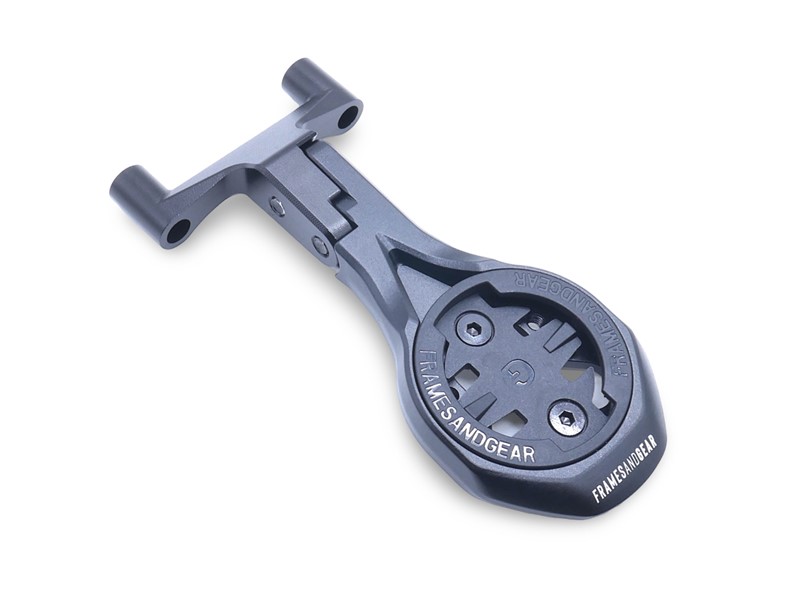


Framesandgear Aeromount Computer Mount for Universal 39mm
ETA:
In Stock
Framesandgear Aeromount Computer Mount for Universal 39mm
The Framesandgear Aero Computer Mount for Universal 40 mm. Stem Black lets you mount Garmin, Wahoo, Hammerhead, and Bryton cycling computers directly on the Universal 39 mm stem.
The CNC-machined aluminum computer mount allows for adding various add-on mounts, such as GoPro, Insta360, and quick-lock mounts. This computer mount supports Garmin, Wahoo, Hammerhead, and Bryton computers.
This mount fits all stems with a 40 mm distance from center to center of the (lower or upper) bolt holes on the front plate of the stem.
What's in the package:
- 1 x Framesandgear Aero Computer Mount in the selected length.
- 1 x (Selected) Computer mount insert for Garmin, Wahoo, Hammerhead, or Bryton.
- Hardware/ Fitting bolts.
When to fit this product:
- Use it when you need a computer mount tailored for the Universal 40 mm. Stem, or if you simply are seeking an upgrade for a clean mount that matches the cockpit.
- However, only use it when your bar/stem and interface match the confirmed compatibility list in the product description.
Key specs
- Compatibility: Universal 39 mm. Stem
- Computer fit: Garmin, Wahoo, Hammerhead, and Bryton
- GoPro: Without GoPro (can be added)
- Mount angle: Adjustable (25° for Small sizes, 6° for Medium and Large sizes)
- Material: 7075 CNC-machined aluminum
- Weight: 31-35 g.
Important compatibility note
- With a cycling computer installed, Framesandgear computer mounts can support one additional device underneath: either a light or an Insta360/action camera—not both.
- When using a cycling computer, select only one add-on device for the underside of the mount.
Why 7075 CNC-machined aluminum
7075 CNC-machined aluminum provides a stiff and strong base for an out-front computer mount, ensuring the computer stays stable on rough roads and during hard efforts. Further, the machined shape helps match the cockpit interface precisely. As a result, the mount supports a strong, cleaner setup and consistent computer position without adding unneeded bulk.
Mount installation on the handlebar/stem
- Fit the mount according to the original handlebar or stem manufacturer's instructions.
- Use the torque value specified by the handlebar/stem manufacturer for this mounting point.
- Do not overtighten. Many bar and stem systems, especially carbon interfaces, have low torque limits, such as 3 Nm.
- Ensure the mount is seated evenly before final tightening.
- Check that the mount is secure before riding.
Adjustment and setting of the side angle adjust bolts
- Hand-thread both side bolts (2 × M4 × 10 mm, included) to keep the mount loosely in place before tightening.
- Cross-tighten the side bolts — tighten each bolt gradually and alternately (left → right → left → right) to ensure an even, balanced fit across the interface. Do not fully tighten one side before the other.
- Torque to 4 Nm on each bolt. At 4 nm, the arm locks firmly in position and will remain stable even when an add-on mount (GoPro, Insta360, or quick-lock) is attached.
| Weight | 35 g |
| Dimensions | 110 mm |
| Bolt Type | 2 × M5 × 30 mm (Black Steel) Included |
| Discipline | Road | Offroad |
| Bike Brand | Universal |
| Stem/Bar Model | 39 mm. |
| Stem/Bar Brand | Universal |
| Material | Aluminium (7075) |
Customer's Also Bought
BBB GravelRibbon Bar Tape [BHT-16]
Framesandgear Aeromount Computer Mount for Pinarello Most Talon Dogma F/F12
CeramicSpeed UFO Drip Wet Conditions Chain Treatment
BBB BarBank Electric Mini Pump [BMP-201]
BBB HighSix OS Adjustable Stem V2 31.8mm [BHS-29]
IceToolz Compact 11 Multi-Tool
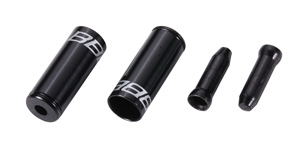
BBB CableCap Kit [BCB-99]

Morgan Blue Chain Cleaner
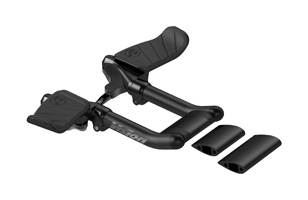
Vision Metron 5D Mini Clip On Extensions V0214 V21

CeramicSpeed UFO Clean Drivetrain Chain Cleaner
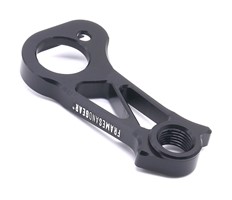
Framesandgear Direct Mount DB Derailleur Hanger for Colnago C68 and V4RS
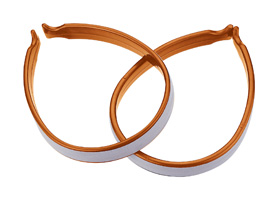
IceToolz Plastic Trouser Clip with Scotchlite Strip
Also Available
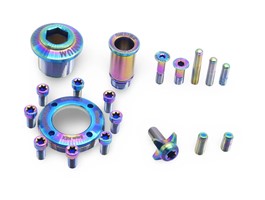
Framesandgear Titanium Full Replacement Bolt Kit for SRAM RED AXS
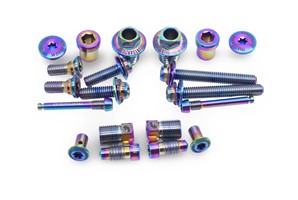
Framesandgear Titanium Full Replacement Bolt Kit for Shimano Dura Ace R9270
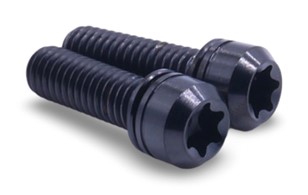
Framesandgear Titanium Crank Arm Bolts M6 x 19
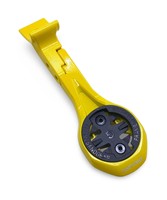
Framesandgear Aerofront Computer Mount for Colnago Y1RS (Garmin M, Yellow)
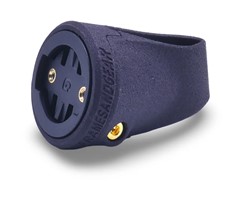
Framesandgear Seatpost Radar and Light Mount for Colnago Y1RS
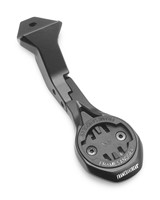
Framesandgear Aero Computer Mount for Colnago Y1Rs for CC.Y1, Go Pro Capable
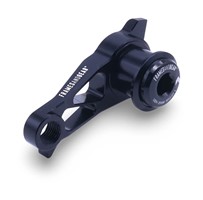
Framesandgear Direct Mount DB Derailleur Hanger for UDH Systems with Shimano Shifting
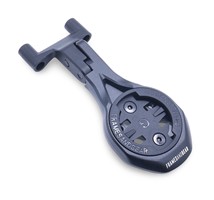
Framesandgear Aeromount Computer Mount for FSA ACR
Framesandgear Disc Brake Adapter for Shimano
Framesandgear Garmin Varia RTL515/6 SP Mount for Pinarello Dogma F12
Framesandgear Garmin Varia RTL515/6 SP Mount Universal Round Fitting 31.6